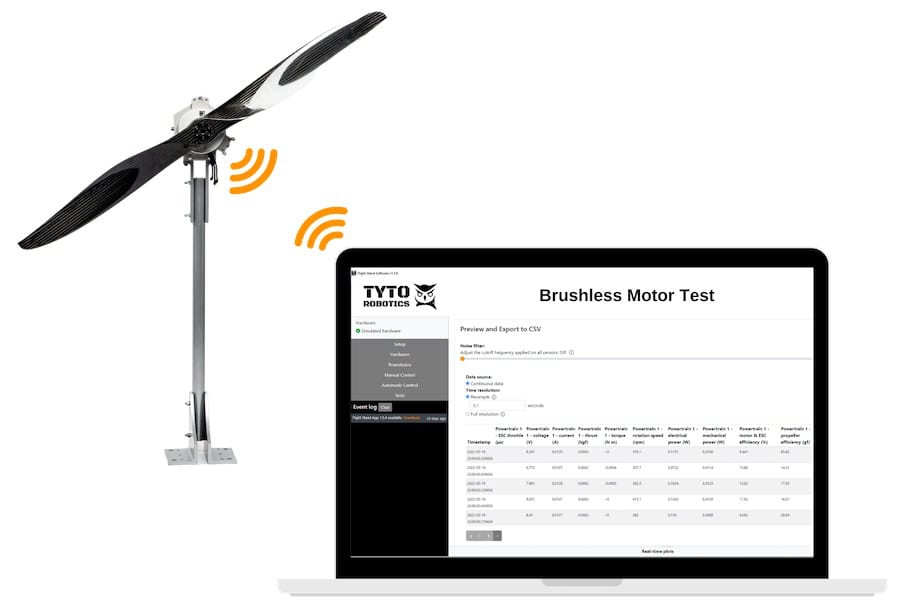
This video from Tyto Robotics, a developer of professional test equipment for Unmanned Aerial Vehicles (UAVs) and drones, demonstrates how to connect and control a WindShaper with the Flight Stand software to conduct static and dynamic propeller tests with a wind tunnel.
Whether the goal is to conduct controlled wind-tunnel tests, integrate the WindShaper with a Flight Stand system, or establish a more advanced propulsion-testing setup, Tyto Robotics provides a step-by-step overview of the configuration process and best practices.
The company begins showing how to set up the WindShaper with the Flight Stand software, including plugging in the Ethernet cable, powering on the unit, and verifying the device in the hardware tab.
It goes on to cover configuring open- versus closed-loop modes for consistent air speeds, adjusting throttle limits, and mapping the WindShaper fan throttle alongside the thrust stand controls for manual testing.
Tyto Robotics then highlights how to run synchronized automatic sequences using the steps wizard, such as ramping the WindShaper to 30% and then increasing the 1585 ESC throttle. The video also shows how to view rotation speed and output percentage in real time and export the resulting data, including thrust, torque, and propeller efficiency.
Finally, the tutorial addresses common troubleshooting scenarios, including network accessibility issues, control-token conflicts in the browser, and Windows firewall settings that can block the server link.